
A simple Bangkok café work kit: Wi-Fi, backup data and enough battery
Build a resilient Bangkok remote-work kit with tested Wi-Fi, Thai SIM or eSIM, hotspot backups, power, security and a simple failure drill.
Quick answer
Bring a charged laptop, its charger, headphones and a phone connection you have tested. Save the files you need offline. Add other equipment only when it solves a real problem; a lighter bag is easier to carry between the train and the café.
Pack for the task, then test it
| Your situation | Start with | Check before choosing |
|---|---|---|
| Reading / writing | Charged laptop and offline files | Open the files without internet |
| Video meeting | Headphones and tested phone hotspot | Audio, signal and data allowance |
| Longer session | Correct charger; confirmed usable socket | Charging compatibility and safe cable route |
Use this as a decision aid. Check the exact café, route and current terms before committing; examples are not live prices or reservations.
1. Design for failure, not the speed-test screenshot
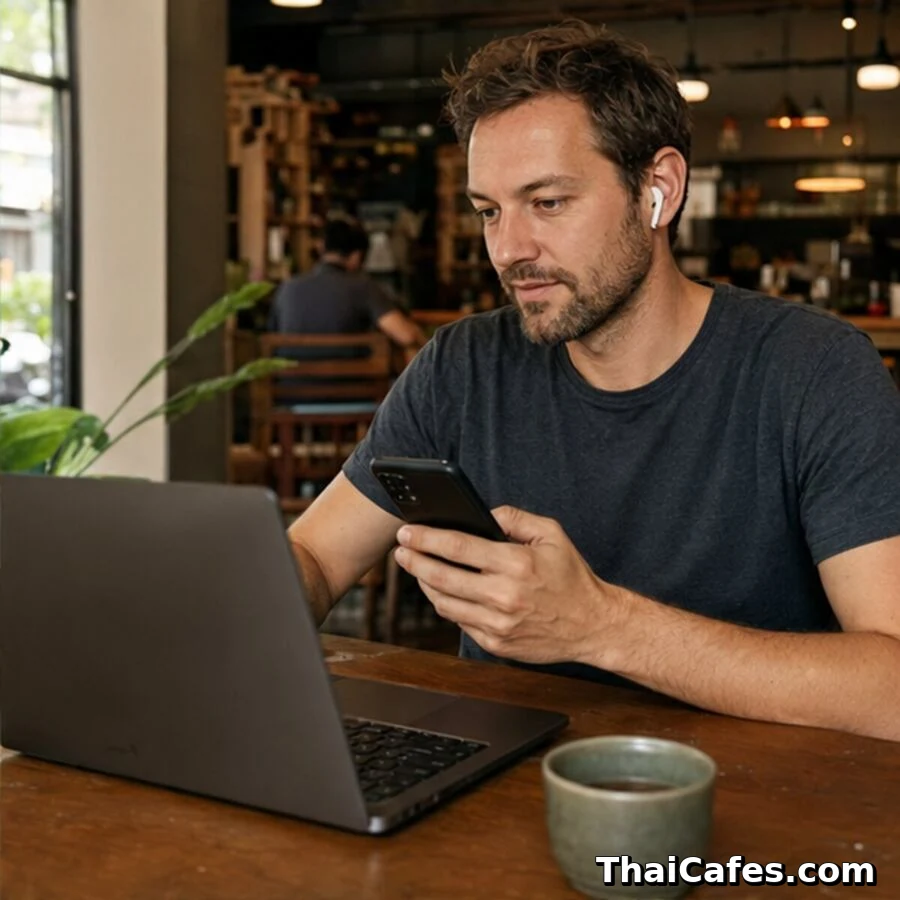
It is tempting to pack for every possible failure. A second charger, a stand, an extension lead and another screen soon turn a café visit into a moving job. Start with the tasks you actually do. If most of the morning is writing, a charged laptop and offline notes may be enough. If you present on calls, test the microphone and backup connection before you leave home. Useful preparation is knowing your small kit works.
Classify work by bandwidth and consequence. Email and text documents tolerate interruption. Cloud design files need stable download and upload. Video meetings need consistent latency, low packet loss and enough upstream capacity. Live teaching, demonstrations and remote production are even less forgiving. Use the most resilient location for the highest-risk task and reserve casual cafés for work that can pause. A connection that feels fast for browsing can still produce broken audio, so test the actual application before the meeting begins.
Write a one-minute recovery sequence: save locally, mute the call, disable Wi-Fi, enable hotspot, reconnect, message the host and continue. Practise it when nothing is at stake. Keep meeting links and phone numbers available offline. If your laptop refuses the hotspot, know whether USB tethering is possible. If mobile service is weak inside, know the nearest alternative seat or venue. Recovery speed is a skill; buying more data does not help if you cannot switch calmly.
The difference is easy to see on the Ari station page. 34EIGHT and The Coffee Zelection need a battery plan, while Poet House Cafe and NANA Ari have power recorded. Check the Ari Wi-Fi and power guide before packing, and use the quiet cafés guide if the work also requires a calm room or a call-friendly seat.
2. Test café and accommodation Wi-Fi properly
Confirm the correct network name with staff or the host. Fake access points can imitate a venue, and guest networks may differ by floor. Check whether a password, voucher, time limit or device limit applies. At the exact seat, open a required cloud file, upload a small test and join a private test call. Look beyond headline download speed: upload, latency, jitter and stability matter. Repeat once during the period you plan to work because a quiet morning network may slow sharply at lunch or evening.
Ask what happens when the router fails. Accommodation hosts may have a technician but no immediate backup; cafés may reboot equipment or be unable to help during service. Identify whether another floor, lobby or nearby branch uses a different network. Download critical documents, maps and authentication codes before leaving a dependable connection. Cloud-first workflows feel seamless until a login requires a file or code that is itself online. Offline access turns a network outage into an inconvenience rather than a stop.
Secure ordinary public-network work with updated software, encrypted websites and two-factor authentication. The FTC notes that HTTPS makes many public Wi-Fi activities safer than older advice suggests, but fake sites, weak passwords and unattended devices remain risks. Use a company-approved VPN or personal hotspot where policy requires it. Avoid sensitive calls where screens and speech are visible. Network safety is a stack: correct access point, encrypted traffic, strong accounts, secure device and sensible physical behaviour.
3. Choose a Thai SIM or eSIM
Choose based on phone compatibility, stay length and backup purpose. An eSIM is convenient because it can be installed without removing a home SIM, but the phone must be unlocked and support eSIM. A physical SIM works broadly and can be moved to another compatible device, but dual-SIM behaviour varies. Decide whether you need a Thai phone number, data only, hotspot use or long validity. Install and activate while you still have dependable Wi-Fi, then make a test call or data session before leaving the seller.
Use official operator pages for current prices and terms. Tourist packages change, and the word unlimited may refer to a speed tier or fair-use condition. Compare high-speed quota, validity, hotspot permission, included calls and the speed after quota. As of this guide’s update, dtac and True publish tourist SIM/eSIM options on their official sites, but readers should verify the live offer before purchase. For a longer stay, local prepaid packages may be more appropriate than repeatedly buying tourist plans.
Coverage is local, not a national promise. One operator can be strong outdoors and weak behind coated glass or on a basement level. Test in your apartment, preferred café seat and meeting area. If connectivity is mission-critical, dual-SIM service from two networks provides better diversity, but it adds cost and battery management. Start with one local plan and café Wi-Fi; add a second network only when your work risk justifies it. Keep account top-up and expiry information available before a weekend deadline.
4. Hotspots, data discipline and backup internet
Name and password-protect the hotspot, then connect only required devices. Watch phone heat, battery and data use. Video calls, cloud backups, software updates and photo sync can consume a quota quickly. Disable automatic large downloads when tethered and postpone operating-system updates. If possible, place the phone where cellular signal is strong while keeping it shaded and ventilated. A charging phone running hotspot and video in Bangkok heat can throttle or shut down, so power and temperature are part of network planning.
Decide which device becomes the router. Using your main phone is simple but risks losing both communication and hotspot when its battery dies. A spare phone or dedicated hotspot separates roles, though it adds another device and plan. USB tethering can be efficient and stable, but test drivers and cable beforehand. Never discover your only cable is power-only during an outage. Label one small pouch with SIM tool, tested data cable and adapter so the backup is operational rather than theoretical.
Set a data budget by risk. Reserve a portion for emergencies rather than consuming the entire allowance on routine streaming. Know how to check remaining high-speed data and top up. Download entertainment on Wi-Fi, compress large assets and use audio-only when video is not required. During a failure, communicate early: tell meeting participants that you are switching connections. Thirty seconds of explanation feels professional; silent disappearance feels uncontrolled. Backup internet includes both the network and the communication protocol around it.
5. Power banks, chargers and a compact kit
Start every external day with laptop, phone, headphones and power bank charged. Calculate battery life under the real workload: high screen brightness, video, hotspot and Bluetooth reduce it. Choose a compact charger that can safely power your laptop and phone, plus short, tested cables. Ask before using café sockets and never unplug venue equipment. A power bank is valuable because it lets you choose the best work seat rather than the only powered seat. Check its output is sufficient for the device you expect to charge.
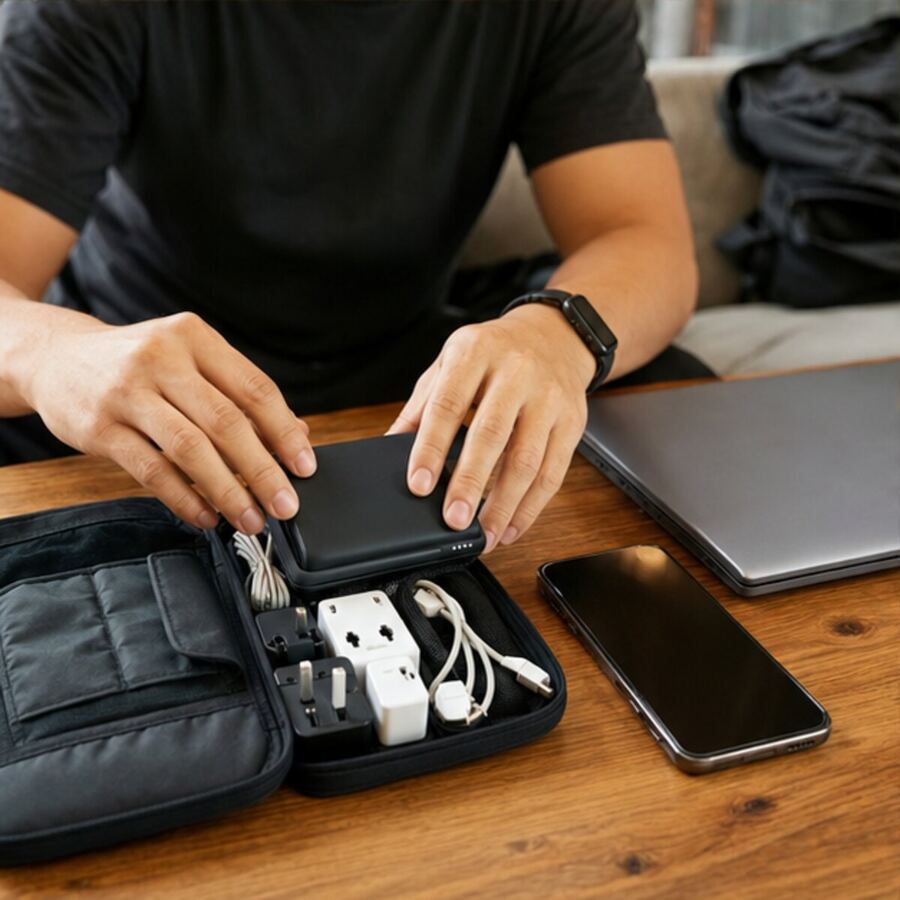
Keep the kit small: laptop, phone, headphones, charger, power bank, two cables, plug adapter if needed, notebook and water when permitted. Add a stand or external keyboard only when the session and table justify them. Heavy equipment increases travel fatigue and setup time. Put critical items in one organizer so a café move takes two minutes. Photograph serial numbers and keep purchase details separately. Practical resilience is often fewer well-tested parts rather than a bag full of redundant accessories.
Follow airline and venue safety rules for batteries. Keep power banks in carry-on luggage when flying and check the airline’s current capacity requirements. Stop using swollen, damaged or unusually hot batteries. Do not leave devices charging unattended in a café. In a storm or building power issue, protect electronics from wet floors and unstable sockets. The purpose of a backup battery is to reduce risk, not introduce another one. Replace ageing equipment before a critical travel period rather than after failure.
6. Build and rehearse the complete system
Create a pre-work checklist: confirm venue hours and laptop policy, download files, charge devices, check data balance, save the station exit and identify a backup. On arrival, test the seat, power, Wi-Fi and mobile signal before opening a critical task. For calls, join ten minutes early and verify microphone, camera, upload and background. The routine should be boring. Boring systems free attention for work and make Bangkok’s changing weather, traffic and venue demand less disruptive.
Run a monthly failure drill. Turn off Wi-Fi during a test call and switch to hotspot. Open the offline copy of an active document. Charge the laptop from the power bank. Navigate to the backup café without searching from scratch. Verify that two-factor authentication works when the home SIM is not primary. Each drill exposes a small dependency while stakes are low. Fix one weakness rather than buying more gear automatically.
Finally, keep the system proportional. A writer editing offline does not need dual carriers and a dedicated router. A remote trainer hosting paid workshops may need two networks, a bookable room and a second device. Spend according to consequence, not fear. Review outages, data use, battery failures and missed work every month. The ideal Bangkok digital-nomad setup is not the most technical. It is the smallest tested system that keeps your real work moving when one ordinary component fails.

Frequently asked questions
Frequently asked questions
Do digital nomads need a Thai SIM?
It is strongly useful for maps, local communication and hotspot backup. Choose a current official plan that fits your stay and device.
Is café Wi-Fi enough for Zoom?
Sometimes, but test upload, latency and stability at the exact seat, and keep mobile data ready for important meetings.
What should be available offline?
Current working files, meeting links, key contacts, station directions, authentication recovery information and the address of a backup workspace.